Turn a research idea into a graphical abstract. Refine with text instructions.
Reference images
Text-guided edits
Labeled figures
Generated with Figran
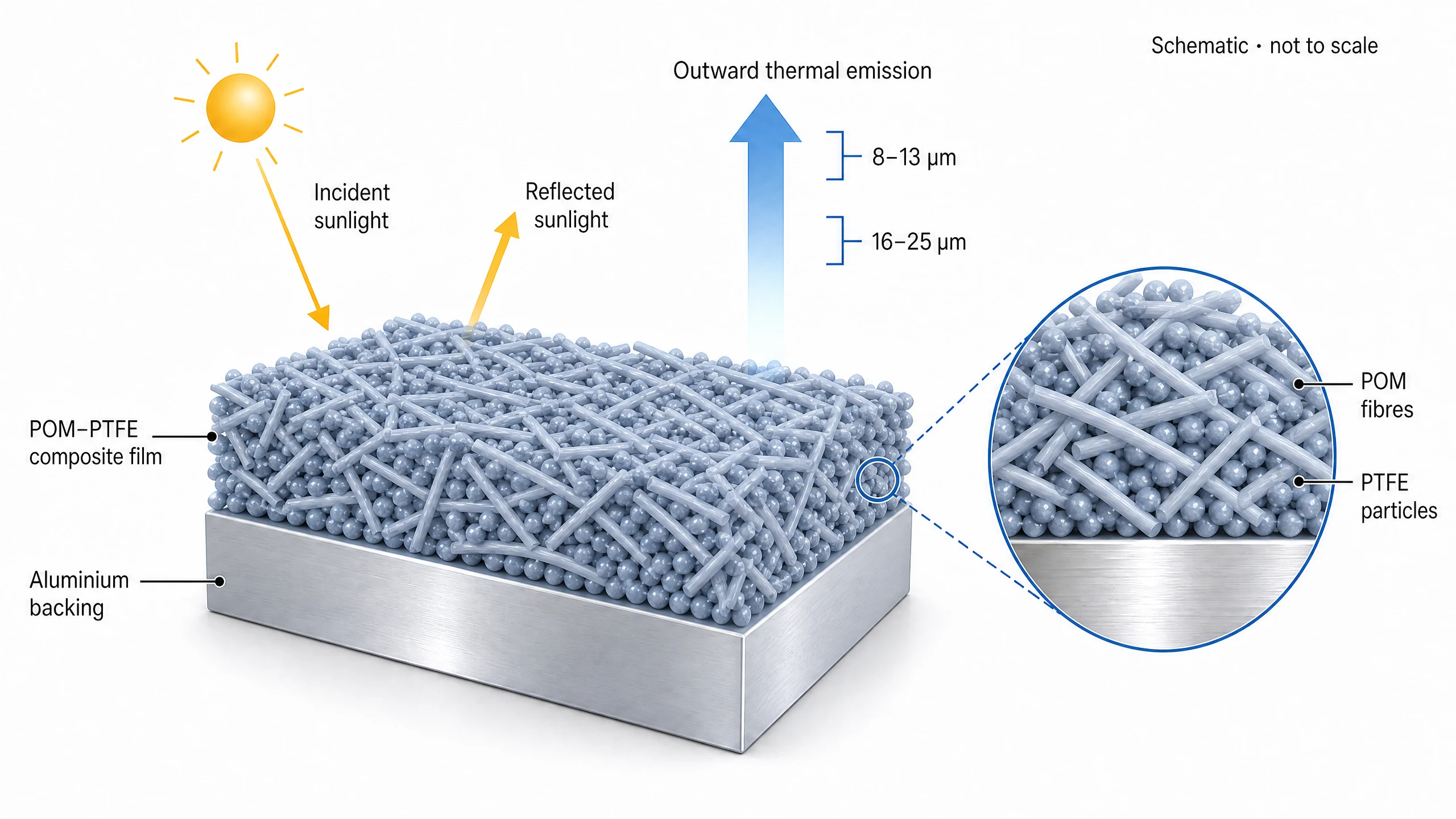
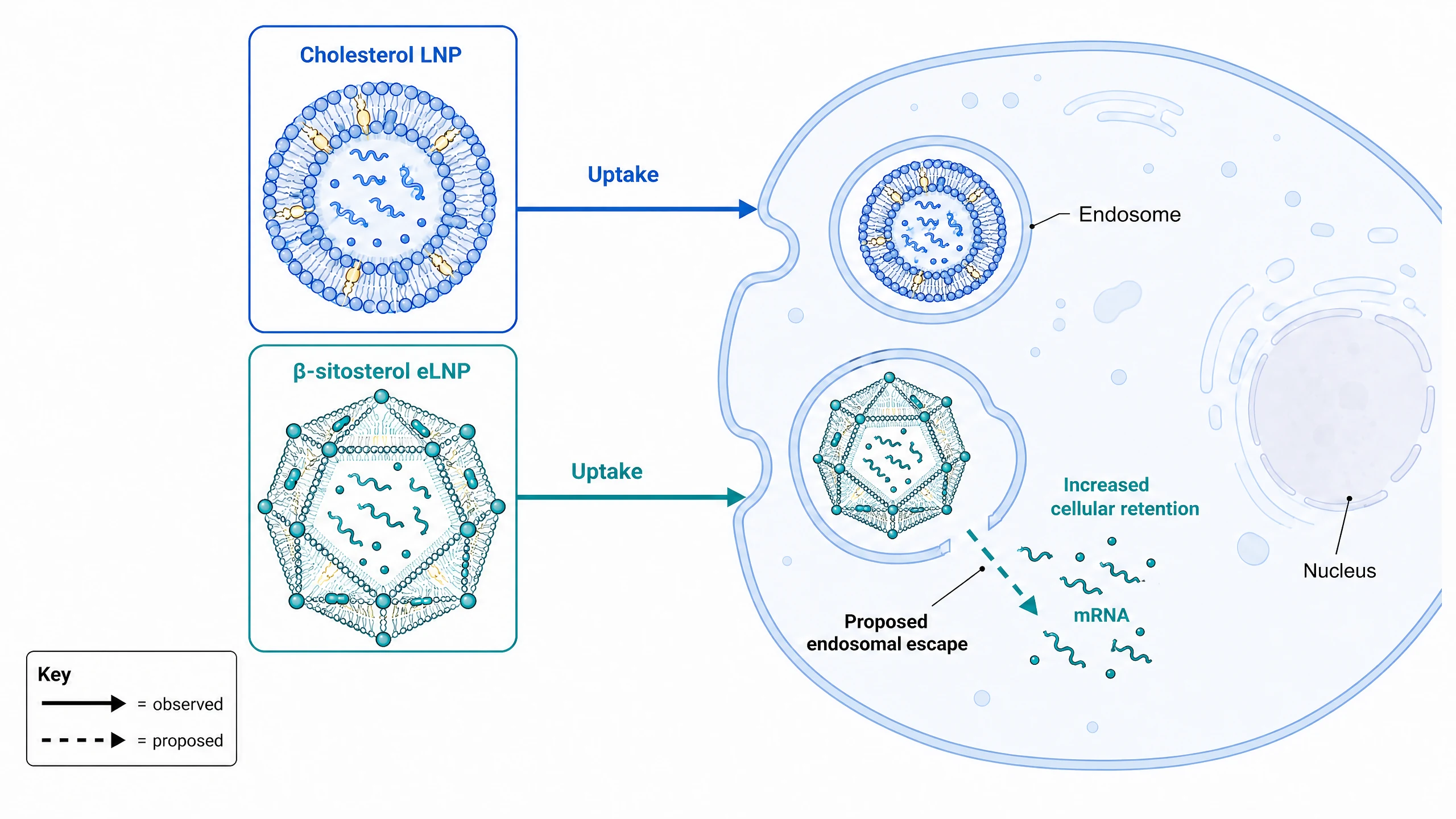
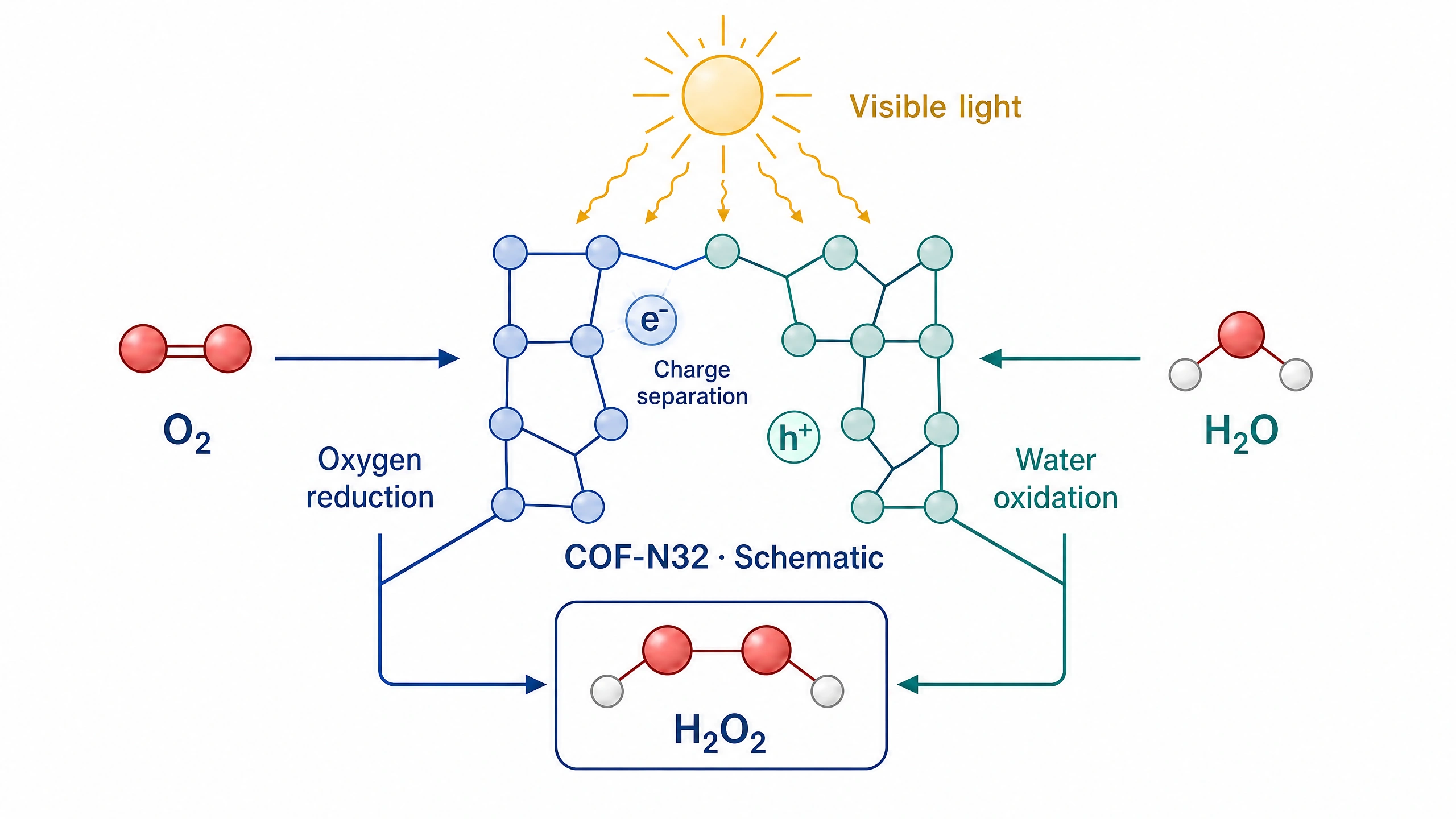
MaterialsRadiative cooling — Wu et al., 2024 (CC BY 4.0). doi: 10.1038/s41467-024-45095-4Life sciencemRNA delivery — Patel et al., 2020 (CC BY 4.0). doi: 10.1038/s41467-020-14527-2ChemistryPhotocatalysis — Liu et al., 2023 (CC BY 4.0). doi: 10.1038/s41467-023-40007-4
How to make a graphical abstract for a research paper
Describe it. Refine it. Take it into your paper.
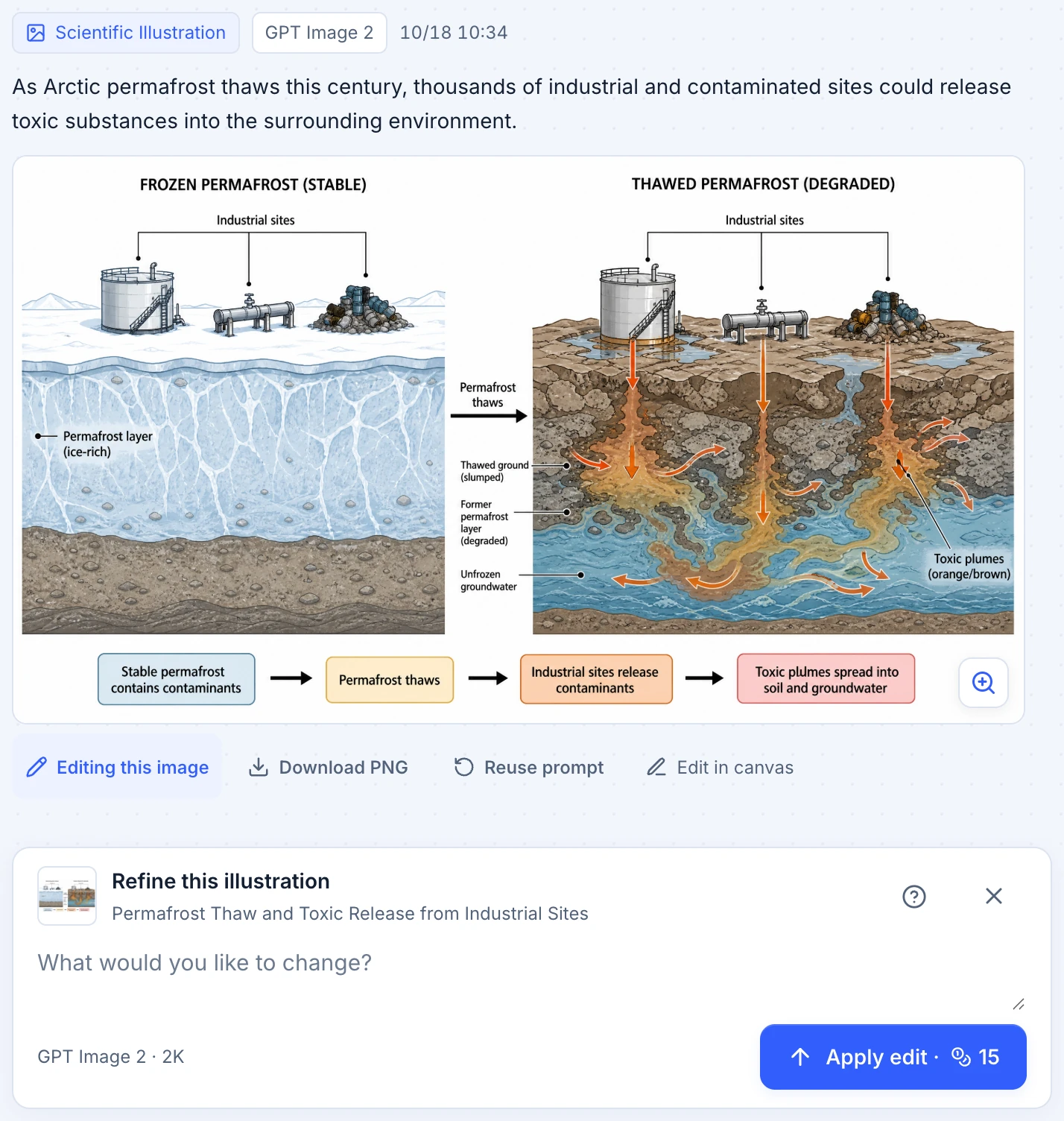
Describe what your figure should show; each Studio result keeps its instruction above the image.
Use the Refine input to describe a change, then review the whole image in the next version.
Download the PNG, or use Edit in canvas to continue working with the image.
One sentence. See where it lands.
Select a phrase to find it in the first, unedited result.
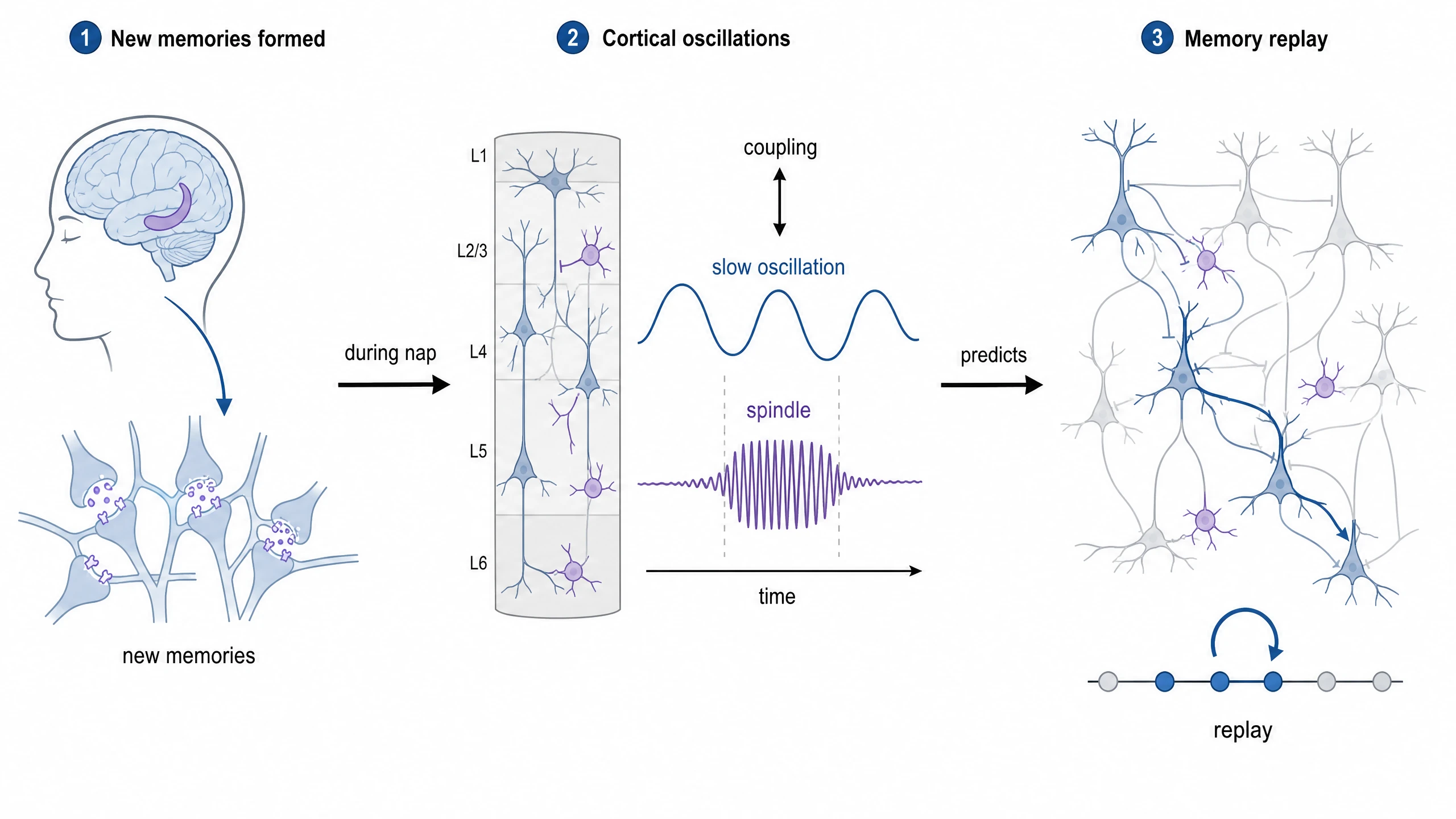
after learning, the brain spontaneously during , and of these rhythms .
First result · No edits. Conceptual schematic; replay was inferred from scalp EEG, not measured neuron by neuron.
Follow the changes to this mRNA-delivery figure, with the exact instruction behind each version.
LS-01 · v4 — Patel et al., 2020 (CC BY 4.0). doi: 10.1038/s41467-020-14527-2
v4 · Original revision instruction
Make only these annotation corrections, preserving all particle and cell geometry, colors and the stacked inset layout. Restore the word "Uptake" immediately above EACH of the two solid horizontal arrows. Remove the mRNA leader line and its endpoint dot completely; put the text "mRNA" directly above the cluster of released teal wavy strands instead, with clear spacing. Remove the inaccurate retention leader line and endpoint dot; keep "Increased cellular retention" as a plain label adjacent to the intracellular teal particle. Keep "Proposed endosomal escape", its dashed arrow and the observed/proposed key unchanged. Do not remove labels, add entities or alter the scientific relationships.
Graphical abstract examples for research papers
Explore graphical abstracts across disciplines. Open a figure for its input, revisions and research source.
Graphical abstract maker FAQ
What to expect from your first figure and the revisions that follow.
A graphical abstract is a single image that summarizes a study's main finding, often shown in a journal's table of contents or next to the article. It usually reads in one direction, from the starting point to the result, with a few short labels instead of full sentences.
What should I put in the description?
Start with one sentence describing the research subject, the process or mechanism, and the main result. Name any labels that must appear. The input accepts 18–800 characters; a reference image can add visual context.
Can I change a figure after generating it?
Yes. Continue in Creation studio with text instructions for the next revision. AI edits can also change details you did not mention, so review the whole image after each revision.
When are credits used?
The Generate action shows the credit cost for your selected settings. Browsing these examples does not spend credits. Your description is preserved if you need to sign in; review it and click Generate when you are ready.
Is the output ready for a journal?
Treat it as a draft that needs your scientific review. Check every label and relationship against your research, then follow the journal’s image and AI-use requirements. The examples here are demonstrations, not endorsements by the paper authors.
Can I make a graphical abstract from a research paper?
Yes—prepare a short description of the paper’s subject, mechanism or comparison, and main finding. Paste it into the input above and optionally add a reference image. This page does not read a PDF or a DOI automatically; you choose the information that goes into the figure.
How is a graphical abstract for a review paper different?
A review usually synthesizes themes, relationships, and gaps across existing studies. Describe those around the review’s central question instead of presenting a new experiment. You supply the evidence and conclusions.
Are these graphical abstract templates editable?
The examples shown here are generated images, not layered PowerPoint or SVG templates. You can edit your description before generating, then revise the image with further text instructions in Creation studio and download it as PNG.
Can I use these graphical abstract examples as a starting point?
Use these examples as visual references when writing your own description. Adapt the subject, finding, and required labels to your research. The displayed figures are demonstrations adapted from published papers, not ready-to-submit figures for a different study.
What size should a graphical abstract be?
Requirements differ between journals and change over time, so check your target journal's author guidelines before you submit. Elsevier, for example, publishes its own graphical abstract guidelines. Figran creates 16:9 figures by default, lets you choose other ratios and 1K, 2K or 4K resolution, and downloads PNG files.
Can I try it for free?
You can receive free credits after signing in. Check your account for the current amount and eligibility. The required credits are shown before each generation.
Give your next finding a figure.
Start with your study’s central idea. Give it a visual form you can explore and refine.